
The brief
On your own lease, digging up your own line feels routine. But the ground looks the same whether there's one pipe under it or three, and a scraped high-pressure line can rupture months later. The refresher needed to make the locate, approval and hand-exposure rules feel like part of the job, using distances crews can picture on site.
What learners can do after
- Request locates at least three full working days ahead, and search 30 m beyond the dig
- Recognise a pipeline's 30 m controlled area and when the owner's written approval is needed
- Hand-expose any pipeline within 5 m before a machine digs
- Keep machinery out of the last 60 cm unless the owner supervises
- Stop, call the owner and report any contact, even with no leak
The framework
Four steps, closing on the tagline: know what's down there. The numbers that matter (30 m, 5 m, 60 cm) get the biggest type on screen.

-
1
Locate
Click Before You Dig, three full working days ahead, and search 30 m past the dig.
-
2
Approve
Inside a pipeline's 30 m controlled area, get the owner's written approval first.
-
3
Expose
Within 5 m, find the line by hand or hydrovac. No machine within 60 cm.
-
4
Stop if hit
Any contact, even a scrape, means stop, call the owner and report it.
How we built it
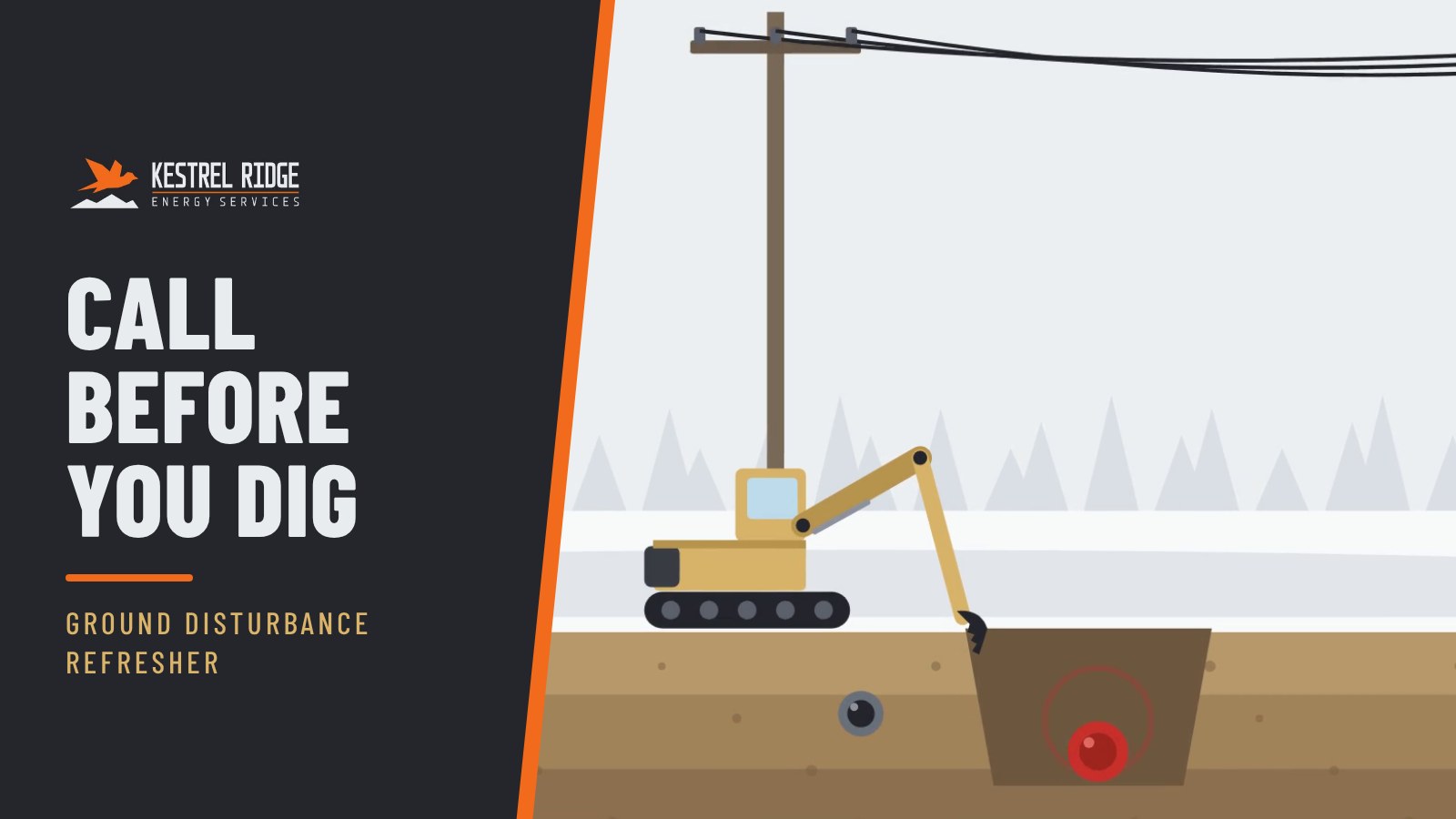
One dig on Pad 7 runs the whole refresher. Kestrel Ridge's own flowline is weeping at a joint, the excavator is warmed up, and the ground looks empty. Then it slices open into a cutaway: another operator's high-pressure gas line, two metres away. Viewers see what the crew can't, and follow the locate, the controlled area, hand-exposing and the last 60 cm on a top-down site plan.
Every figure was checked against the Alberta Energy Regulator and Utility Safety Partners before scripting. It was the first module built to ADC's 26 px minimum text rule: every word meant to be read stays legible on a phone or a shared screen in a field trailer.
- 1LocateQ2
- 2ApproveQ4
- 3ExposeQ1
- 4Stop if hitQ3
Try the knowledge check
One check runs inside the video, and the other two run in the LMS quiz afterwards. In your LMS, the score is recorded automatically through SCORM 1.2.
What a client would receive
- SCORM 1.2 package with the scored knowledge check
- 2:42 MP4 master in 1080p
- Caption files (SRT and VTT)
- Full transcript
- Quiz questions and answers in an editable document