
The brief
Account takeovers rarely sound like attacks. The caller knows the name, the address and the birthday, all of which can be found online or in an old data leak, and adds urgency: an airport, a locked account, a colleague who skipped the check yesterday. Agents want to help, so they bend. The course needed to show that the pressure, not the details, is the warning sign.
What learners can do after
- Recognise pressure to skip verification as the main warning sign
- Complete full verification every time, however much the caller knows
- Make no account changes until verification passes
- Log and flag the attempt to a team lead
- Call back on the number on file
The framework
Four steps, closing on the line that sums it up: knowing the answers isn't the same as being the customer.

-
1
Notice
Real customers get annoyed too. A request to skip the rules is the tell.
-
2
Verify
Run the full verification steps, every time.
-
3
Hold
No changes to the account until verification passes.
-
4
Flag
Log the attempt, tell your team lead and call back on the number on file.
How we built it
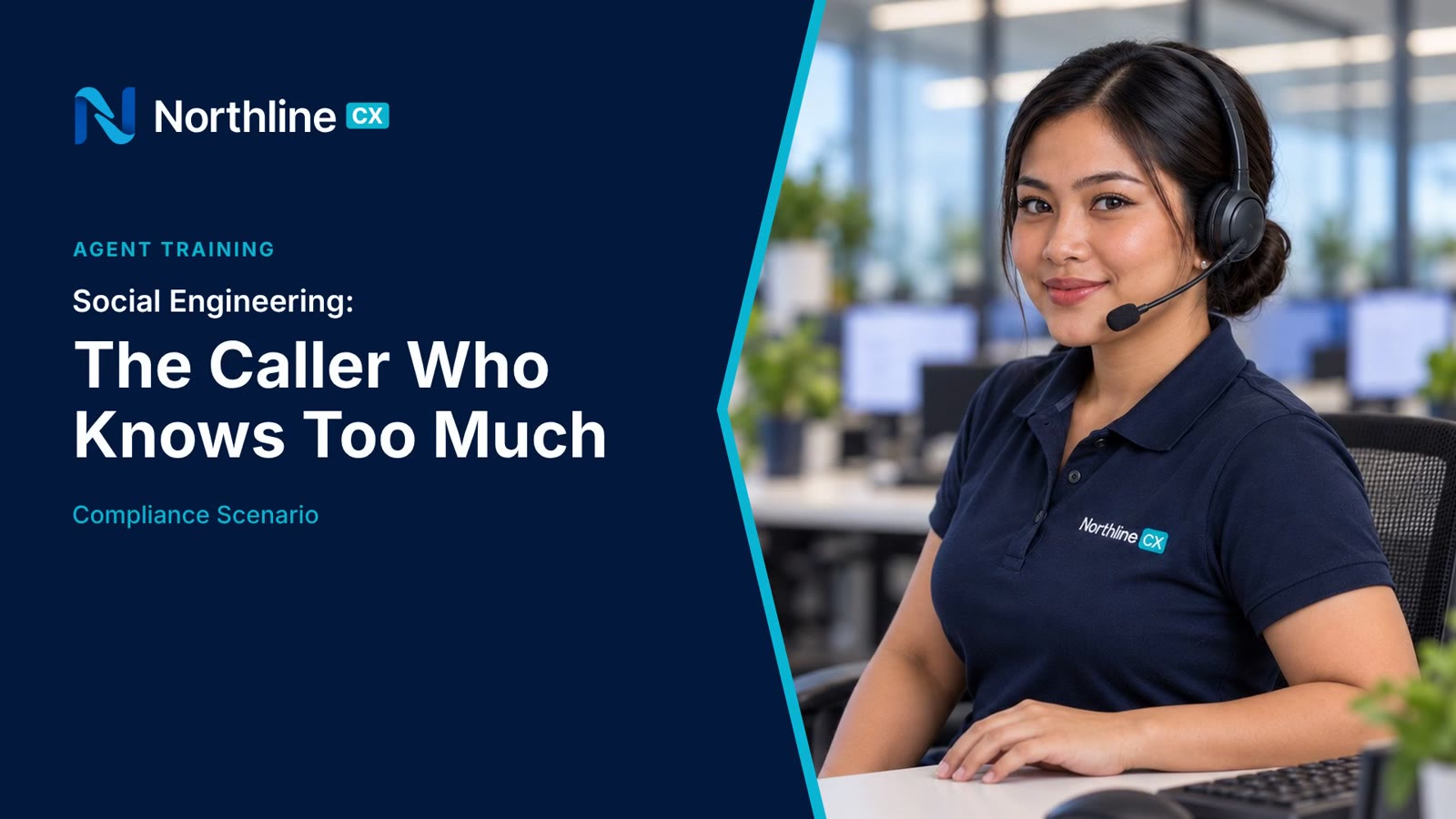
One call runs the whole course. “Mark Ellison” rattles off his name, address and birthday, says he's at the airport, and asks Leah to change his email now, just like her colleague did yesterday. Leah stays polite and holds. Then the video plays it back with the warning signs called out, and ends with the real Mark, at home, who never called.
It's the third Northline module on the same agent, set and console, which shows how one client's series grows topic by topic without a new look each time.
- 1NoticeQ2
- 2VerifyQ1
- 3HoldQ1
- 4FlagQ3
Try the knowledge check
These are the questions learners answer after the scenario. In your LMS, the score is recorded automatically through SCORM 1.2.
What a client would receive
- SCORM 1.2 package with the scored knowledge check
- 1:47 MP4 master in 1080p
- Caption files (SRT and VTT)
- Full transcript
- Quiz questions and answers in an editable document