
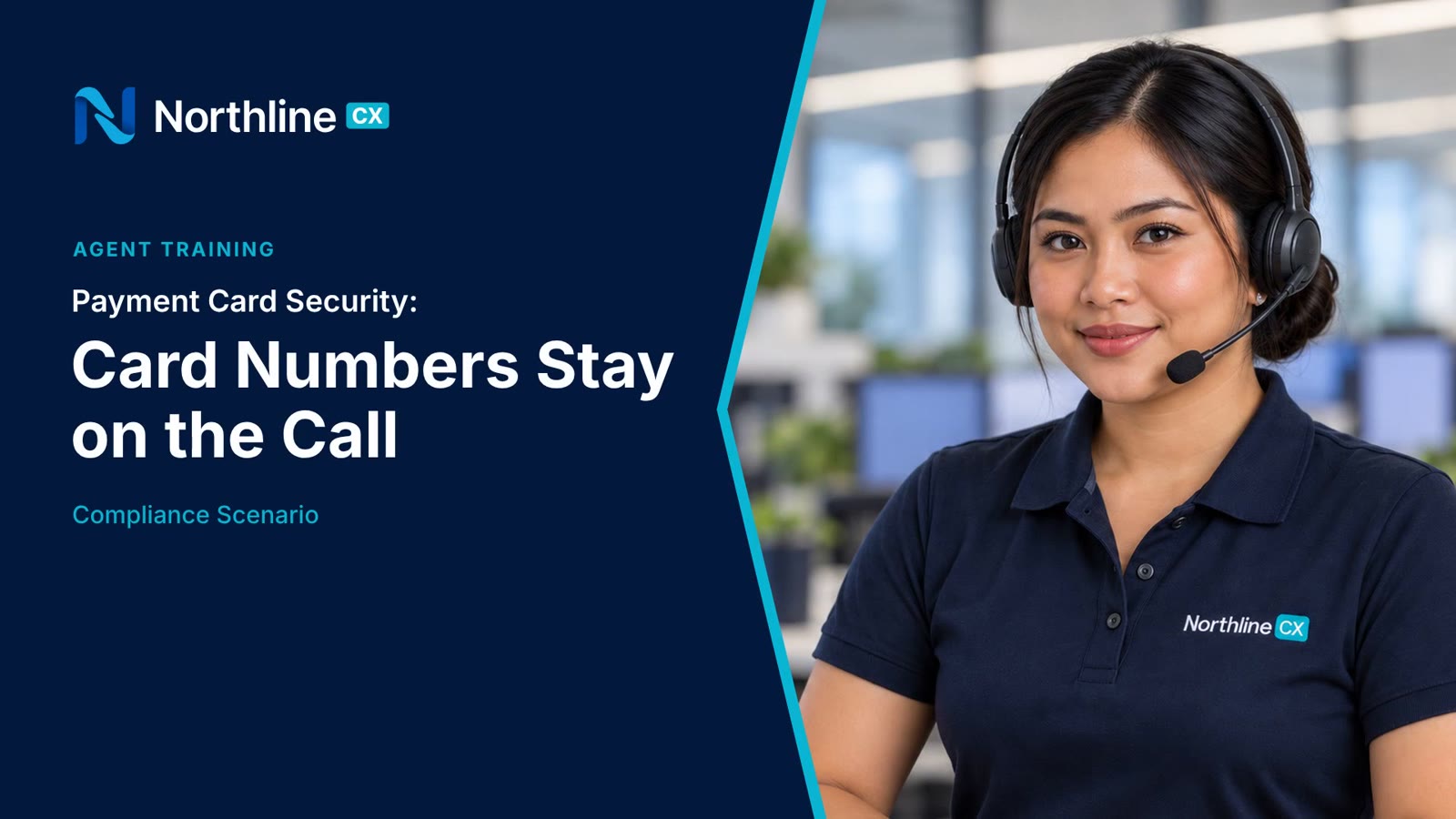
The brief
A card number and its security code are enough to make purchases in someone else's name, and payment card rules say the security code must never be stored once the payment goes through. New agents write numbers on sticky notes, repeat them aloud, or leave them on a recorded line without thinking. The course needed to make the safe way the automatic way, call after call.
What learners can do after
- Switch to secure payment mode before the customer reads out card details
- Key details straight into the payment screen without repeating them aloud
- Confirm with the last four digits only
- Leave nothing behind: no notes, chats, tickets or screenshots
- Report any card number found somewhere it shouldn't be, straight away
The framework
Every card payment, the same four steps. The video closes on the line agents remember: card numbers stay on the call.

-
1
Secure
Switch to the secure payment line, which stops the call recording.
-
2
Key
Key the details as you hear them. Confirm with the last four digits only.
-
3
Clear
Nothing stays behind: no notes, chats, tickets or screenshots. Then resume recording.
-
4
Report
If a card number lands somewhere it shouldn't, tell your team lead straight away.
How we built it
The course opens on the wrong version: two weeks into the job, Leah starts writing a customer's card number on her notepad as he reads it out. Then it rewinds and plays the same call the right way, step by step, with the secure-payment screen, the card-entry panel and the confirmation shown as overlays on the real call.
It reuses Northline's agent, office set and console from Handling Escalated Customer Calls, so the series feels like one programme and each new module is quick to build.
- 1SecureQ1
- 2KeyQ2
- 3ClearQ4
- 4ReportQ3
Try the knowledge check
These are the questions learners answer after the scenario. In your LMS, the score is recorded automatically through SCORM 1.2.
What a client would receive
- SCORM 1.2 package with the scored knowledge check
- 2:20 MP4 master in 1080p
- Caption files (SRT and VTT)
- Full transcript
- Quiz questions and answers in an editable document