
What this fixes
How the process handles it-
The same question, ticket after ticket
Customers ask what the help article already says, because nobody reads it.
A short explainer on the page where they look, with captions on for sound-off viewing.
-
A different answer from every agent
The reply depends on who picks up the chat.
One explanation, the same for every customer, that your agents can link to.
From a support ticket to an explainer.
Pick a stage to see what we do, what you review and what you get. We start from what customers actually ask, not from what the product team wants to say.
Review your top support tickets and the moment customers get confused.
The question to answer and the one action to take.
Explainer brief
Where customers actually look.
The explainer sits on the help-centre article that answers the question, with captions on for sound-off viewing and a checklist to keep.
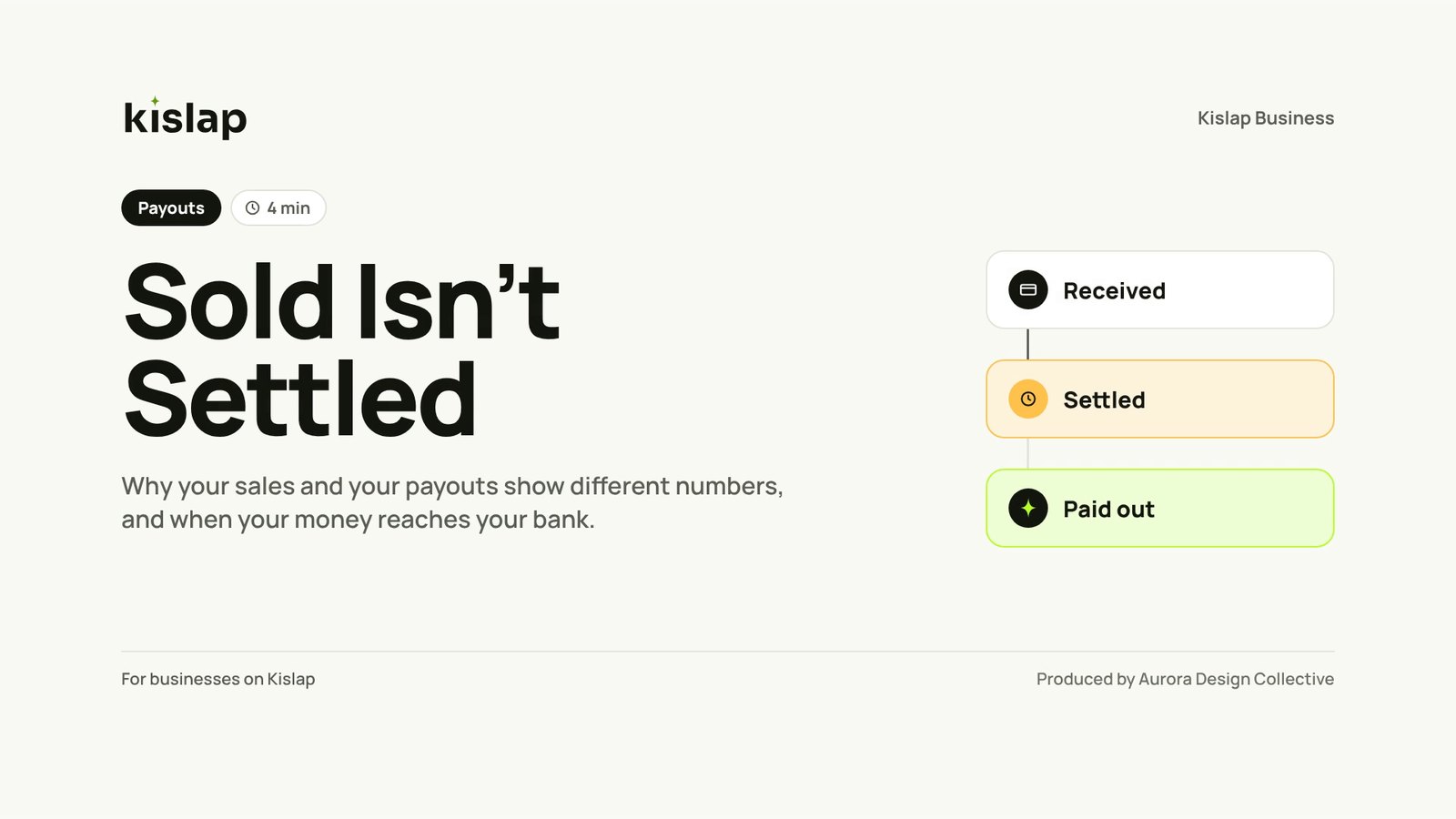
Explainers customers actually watch.
Concept explainers built by ADC for a fictional brand, made from the same design system as its agent training.
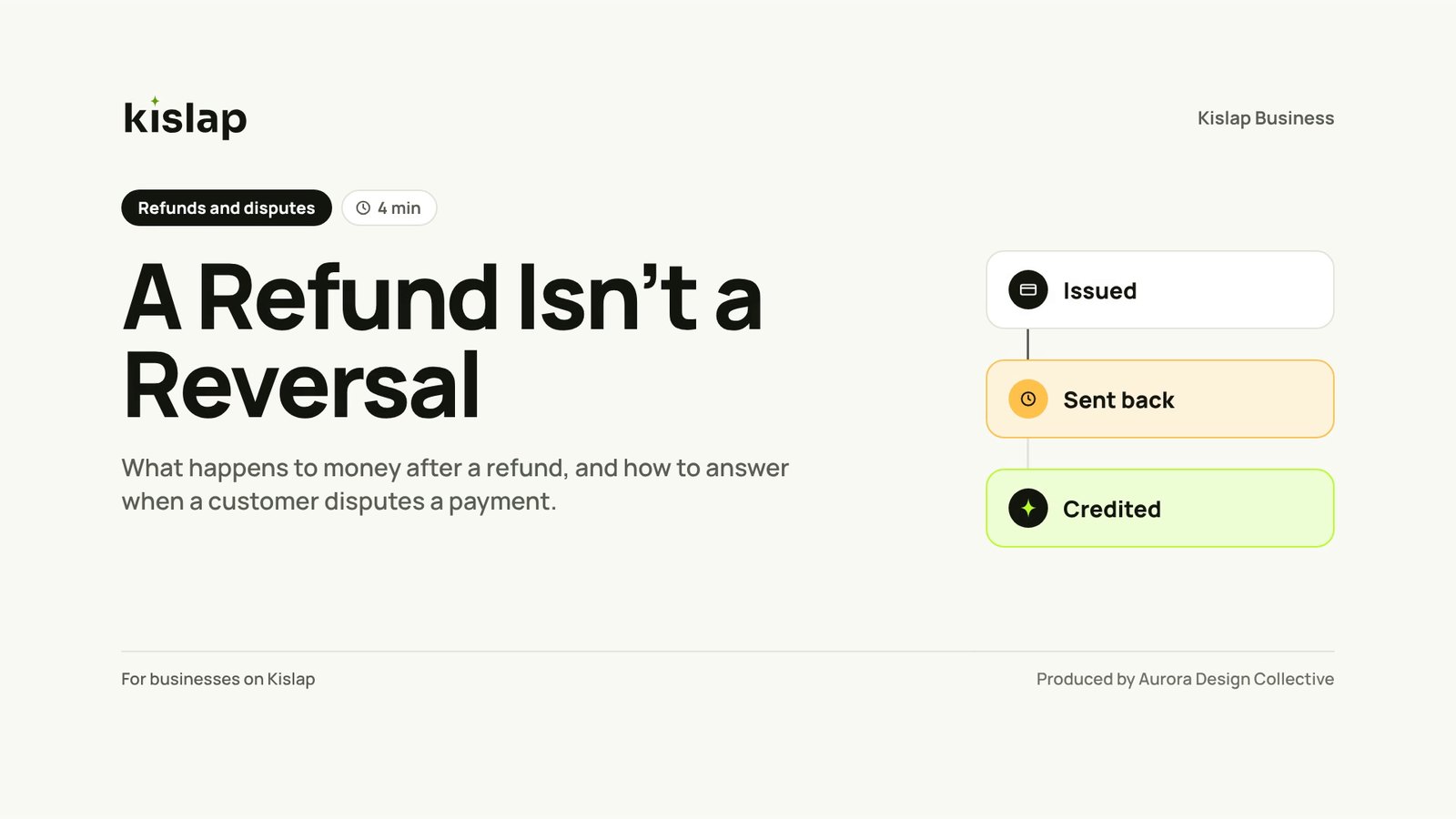
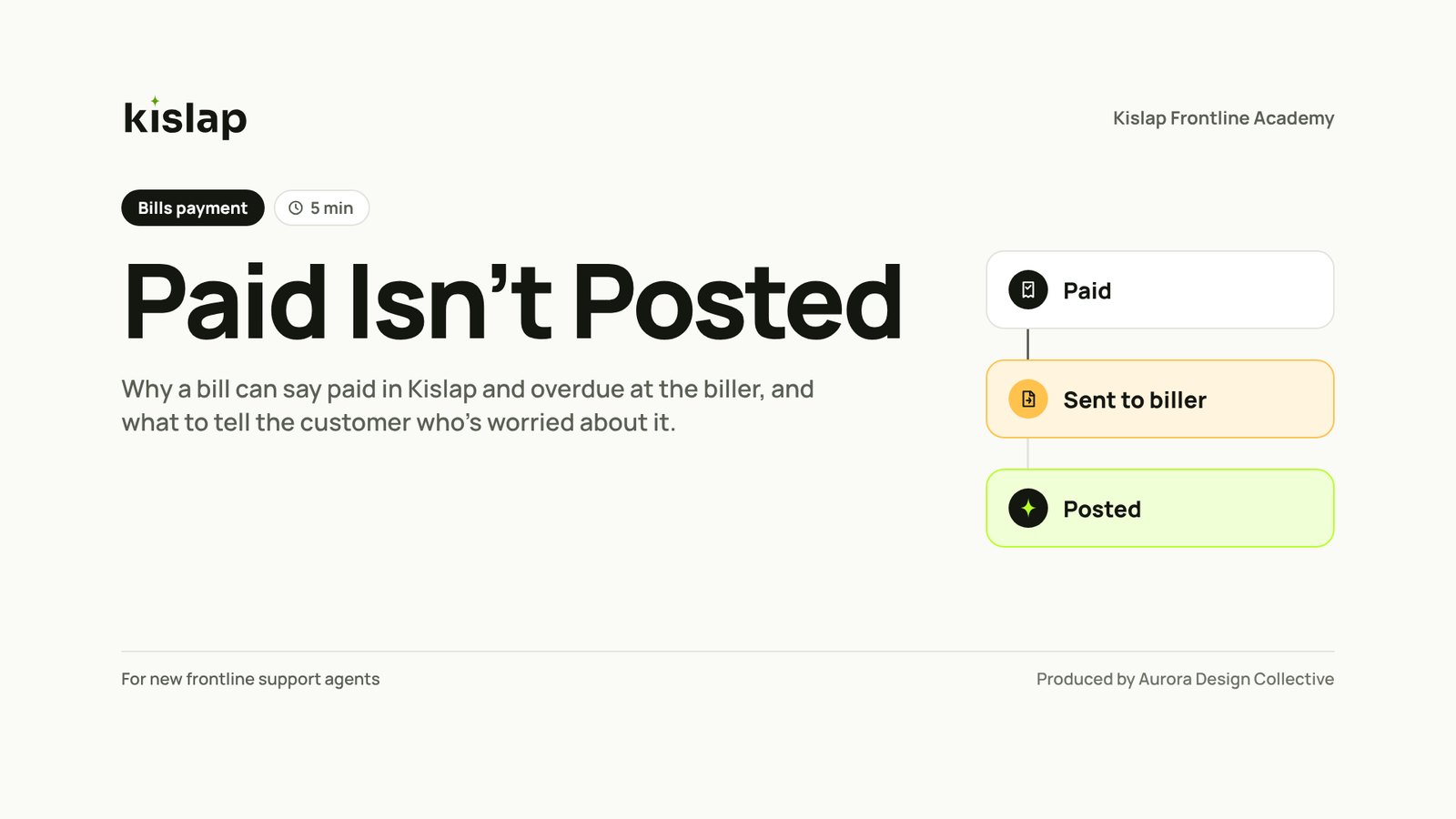
What lands in your inbox
Sized for the places your customers already look.
- MP4 masters in full HD, plus a square or vertical cut
- Burned-in or separate captions (SRT and VTT)
- Full transcript for your help centre
- Self-check questions
- One-page checklist PDF
- Optional SCORM version for partner training
Questions
Is this marketing video?
No. It explains how something works so customers can do it themselves. The tone is helpful, not promotional.
Do we need staff training first?
No, but it helps. When both exist, they share one design system and one explanation.
Can we measure if it works?
Track the support tickets on that topic before and after, and the video's view and completion rates on your help centre.