
What this fixes
How the process handles it-
Training that lags behind change
A policy changes, and the training catches up months later.
Modules are built in layers, so we update only the scenes that changed and re-export.
-
New hires wait to ramp up
They sit out the gap until the next class, instead of learning the day they join.
The topics every new hire needs in week one, built as one series and ready on day one.
How a series runs after the first module.
Pick a stage to see what we do, what you review and what you get. The first build sets the system. Every module after it is faster and more consistent.
Set characters, colours, type, icons, screen kits and the quiz format from the first module.
The visual system.
Design system and templates
When a rule changes, scenes change. Courses stay.
An illustrative example. Kislap moves its same-day transfer cut-off from 3:00 PM to 5:00 PM. Because every module is built in layers, the update touches only the scenes that show the cut-off.
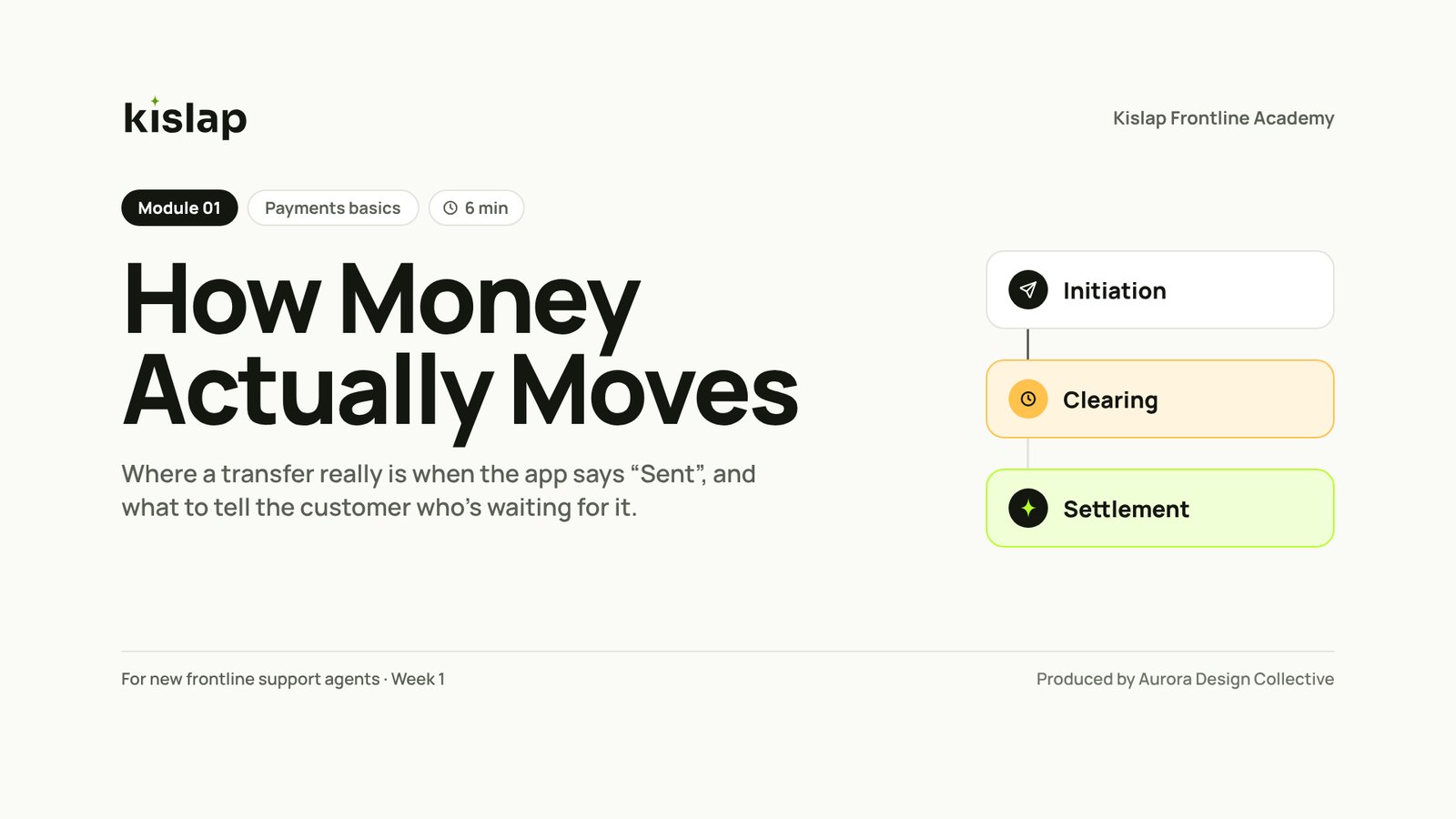
- 2 scenes in How Money Actually Moves
- 2 scenes in Paid Isn't Posted
- Captions, transcripts and SCORM packages
- No course rebuilt
What a series looks like.
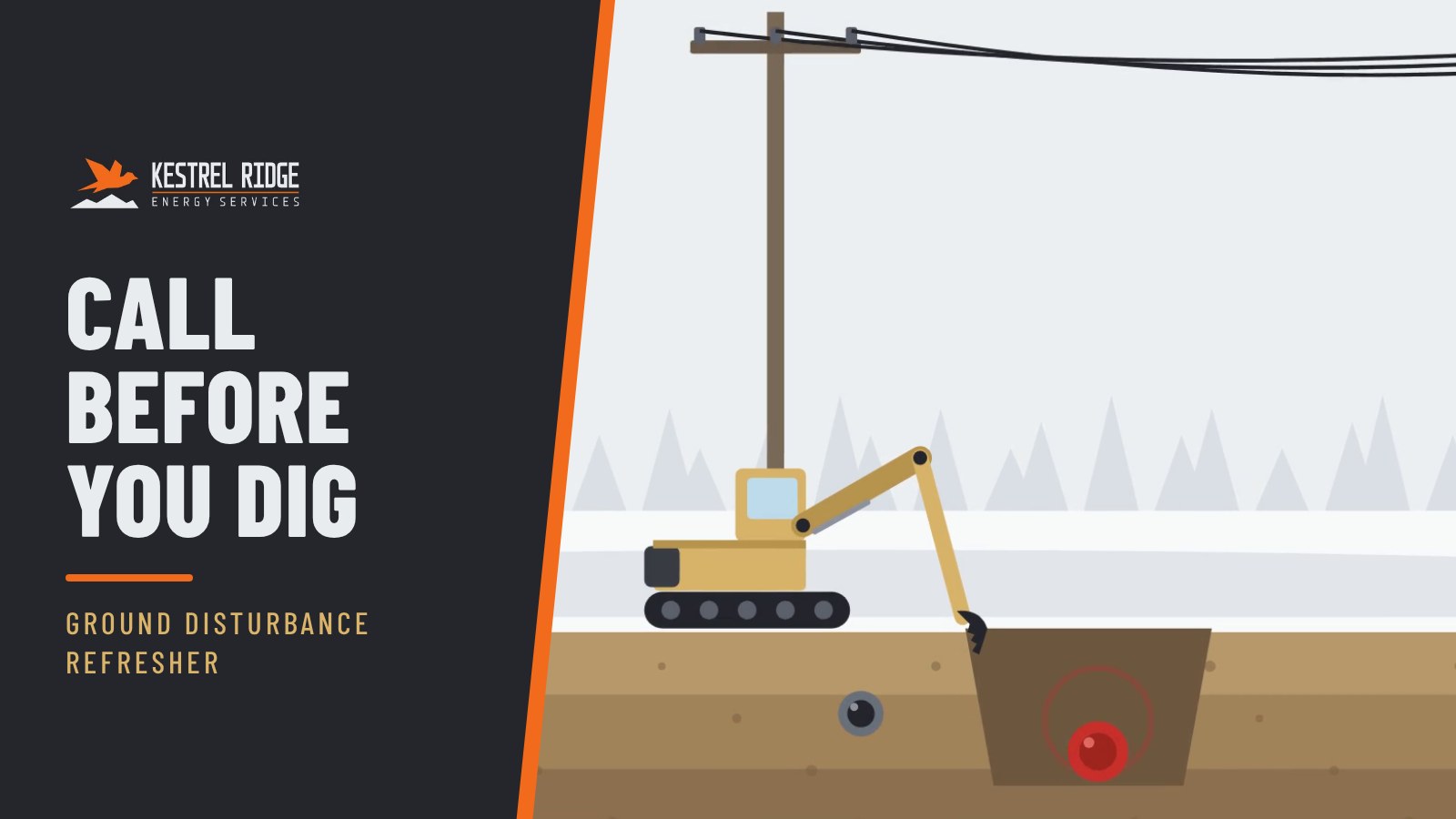
Concept series built by ADC for fictional brands, each sharing one system across modules.

What lands in your inbox
Scoped as a retainer, sized to how often you release and update.
- A design system and templates for every module
- A rolling series plan
- New modules on an agreed rhythm
- Scene-level updates when rules change
- Updated SCORM packages, captions and transcripts
- A quarterly library review
Questions
How is a retainer priced?
It is scoped to how many new modules you need per cycle and how often content changes. You get a fixed monthly or quarterly fee.
What counts as an update?
Changing a number, a rule, a screen or a step inside existing scenes. A new topic is a new module.
Can we start with one module and add the retainer later?
Yes. Most series start that way. The first module sets the system the retainer builds on.